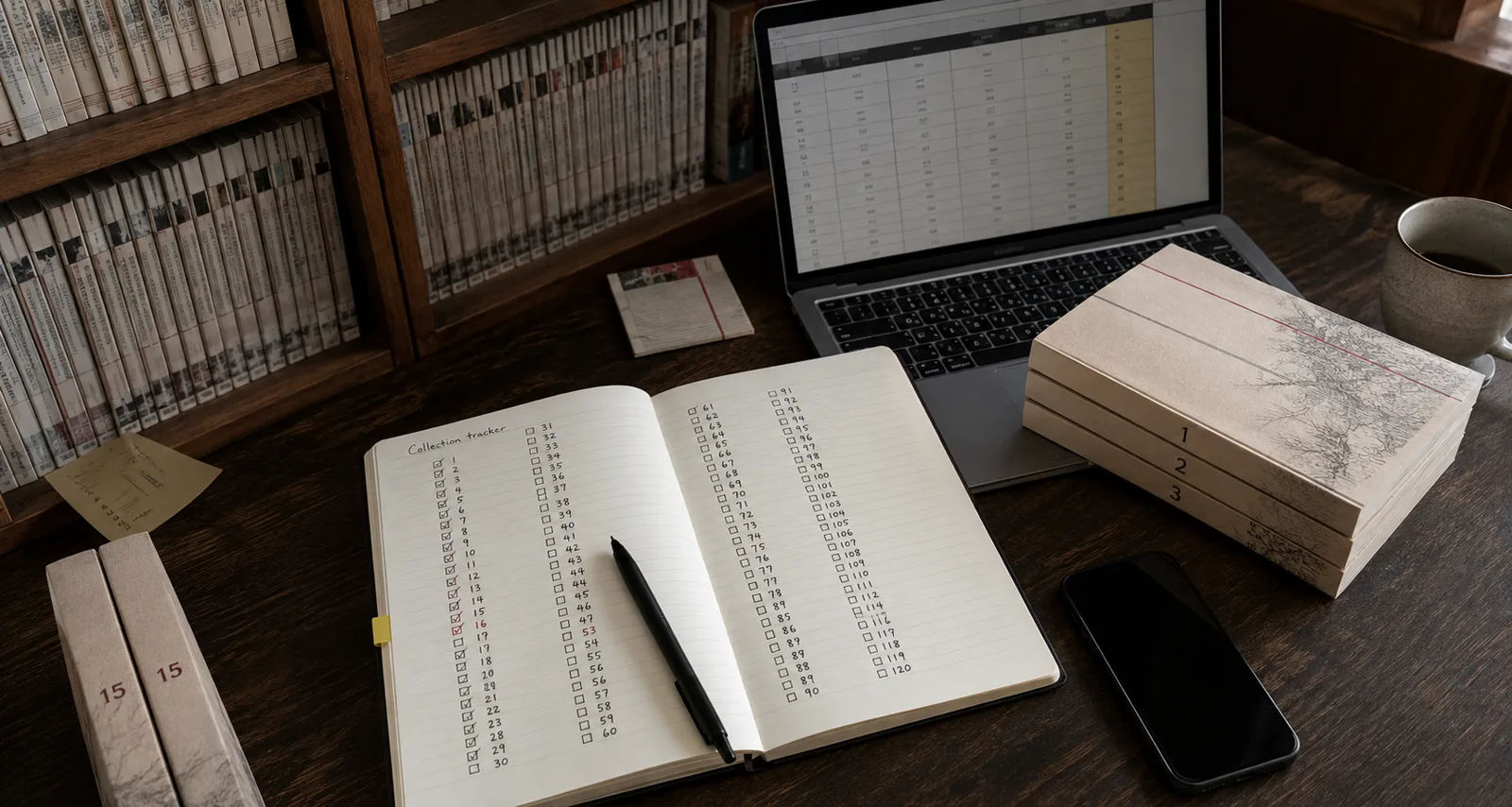
Buying the same volume twice is a fairly boring way to spend your manga budget. You get home, put the new book on the shelf and discover the gap was one number to the left.
A collection list should answer that question while you are still in the shop. It does not need twenty columns or a dashboard you spend more time maintaining than reading. Start with the books you own, identify the edition, and make the list easy to check on your phone.
Track the book, not just the series
“I own Noragami” could mean a few singles, the omnibuses or both. “I have read Noragami” tells you even less about the books on the shelf.
Keep three things separate:
- Ownership: which physical books are in your collection.
- Reading: what you have started or finished, including borrowed and digital reading.
- Wishlist: what you want to buy. A preorder belongs here until it arrives if your system does not have a separate ordered status.
Record one row for each edition you own. Add quantity if you intentionally keep duplicate copies. Do not mark an omnibus and all its component singles as owned unless those separate books are actually on your shelf.
A manga spreadsheet that stays useful
For a first pass, use these columns: Series, Title, Volume, ISBN, Publisher, Edition, Format, Status, Quantity. Add purchase price and currency only if you want to track spending. Keep condition and personal notes in optional columns.
One real example is Noragami Omnibus, Volume 1: publisher Kodansha USA, ISBN 9781646515554, status Owned, quantity 1. Kodansha lists it as collecting original volumes 1–3. That is one physical book covering three original volumes, not three separate books.
Store ISBNs as text in your spreadsheet. This prevents spreadsheet software from displaying them in scientific notation or changing identifiers during export. Use a consistent edition label, such as Standard or Omnibus, rather than alternating between “big version,” “3-in-1” and “omni.”
A spreadsheet is a perfectly reasonable choice if you like maintaining it. Its weakness is the manual work: checking publisher dates, identifying editions and looking for missing numbers. A collection app can help with those jobs, but a wrong match is still a wrong match. Check the book before accepting it.
Start with one shelf in TankoVault
You can explore the collection tracker before committing to moving your whole list.
- Create your account and finish email verification.
- Open My Vault, then Add manga → Search the catalog.
- Search by ISBN when you have the book beside you. Otherwise use its title and check the publisher and format on the edition page.
- Mark the edition as Owned. Use Wishlist for books you do not yet own.
- Add a few books from the same series, then compare the Vault against your shelf.
This small check is worth doing. If the first five books do not match, importing five hundred will only give you a bigger correction job.
You can also use Add manga → Scan a cover or barcode. A barcode helps identify the edition; a cover match is a starting point to review, particularly when reprints and special editions look similar. Missing or uncertain matches may need review. Do not select a different language or edition just to make a row disappear from the queue.
Moving a spreadsheet into TankoVault
The current CSV import workflow is a Collector membership feature. Check the membership page for the current limits and price before moving a large collection. You can try ordinary catalogue tracking first.
In My Vault, choose Add manga → Import a collection. The importer accepts CSV files, so export a copy of an Excel or Google Sheets file as CSV first. Keep your original spreadsheet as a backup.
The import screen offers a contextual example CSV. It supports column mapping for series, title, volume, ISBN/barcode, publisher, edition, format, status and quantity, with optional condition, purchase and creator information. If your column names differ, review the mapping instead of changing every row by hand.
For a cautious first import:
- Upload a small CSV with known books, including one omnibus if you own any.
- Review the title, publisher, edition, format and confidence for the matched rows.
- Correct ambiguous matches. Leave unresolved books in Needs review rather than forcing a guess.
- Confirm the rows you want to import, then check My Vault against the original list.
- Keep the import history until you are satisfied. The undo action protects independently changed records, so read its confirmation carefully.
If your CSV includes a graphic novel, its private tracking path is separate from the public manga catalogue. Do not relabel it as manga to force a match.
Bringing a MAL or AniList list
TankoVault's importer recognises supported MAL and AniList CSV layouts. It is not a promise that every export format, including XML, can be uploaded unchanged.
These are reading lists. A completed series does not establish that you own every English single, and its progress numbering may not match your omnibus editions. Review the import's source notice and proposed reading shelves. Record physical ownership separately after checking the copies you have.
If the list has no ISBNs, expect more edition checking than with a book-by-book inventory. The aim is to save typing, not to turn uncertain reading history into a confident ownership count.
Make the list part of buying a book
Update ownership when a book arrives, leaves the collection or is replaced. Keep a Wishlist handy when browsing a sale. Check edition coverage when buying a lot that overlaps with books you already own.
The edition guide explains the numbering problem in more detail. The English release calendar can help with future purchases, but a listed release date is not a delivery guarantee.
Finally, review Profile → Privacy & sharing before sending someone your public profile. Choose which shelves and statistics you want people to see. Your inventory can be useful without publishing your spending or reading history.
A good collection tracker is one you trust enough to check before buying. Start small, keep the edition details right, and let the list save you from the second copy of Volume 16.